Blog
Tips, tricks and news around Photo RollOff
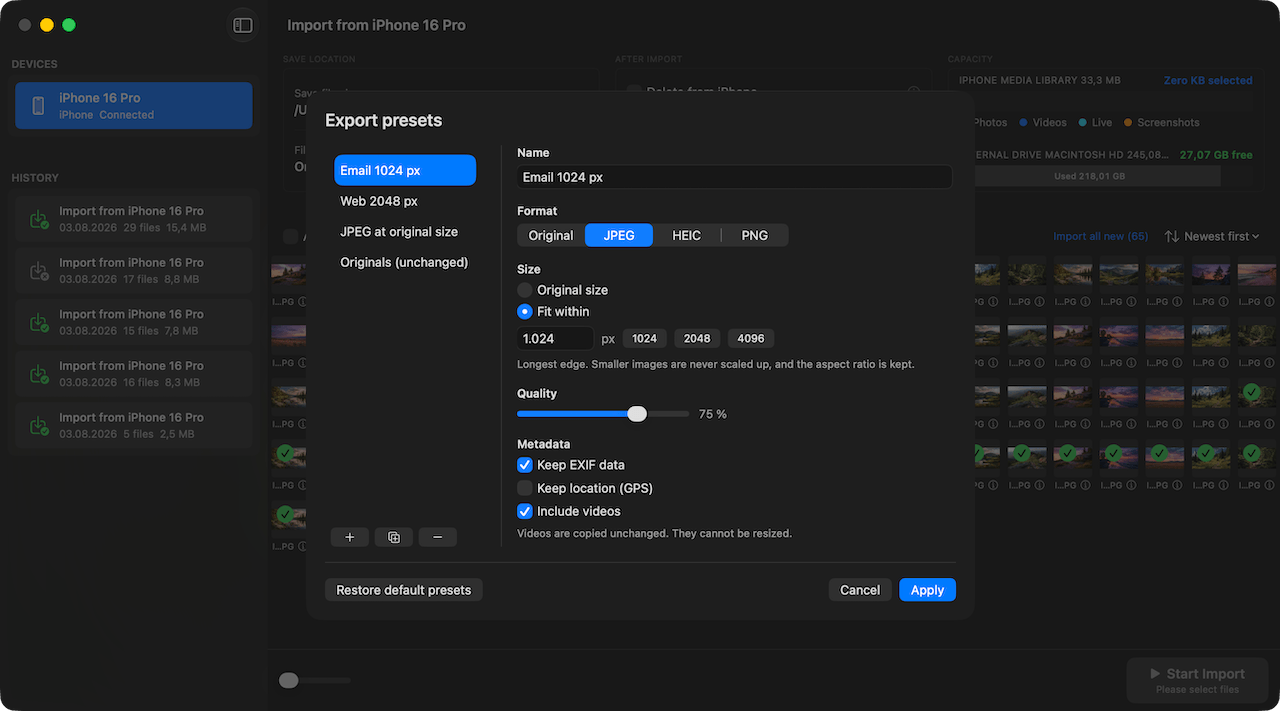
Resize images on export without touching the originals
Photo RollOff can shrink imported photos automatically, for email, for your website or for a space-saving archive.
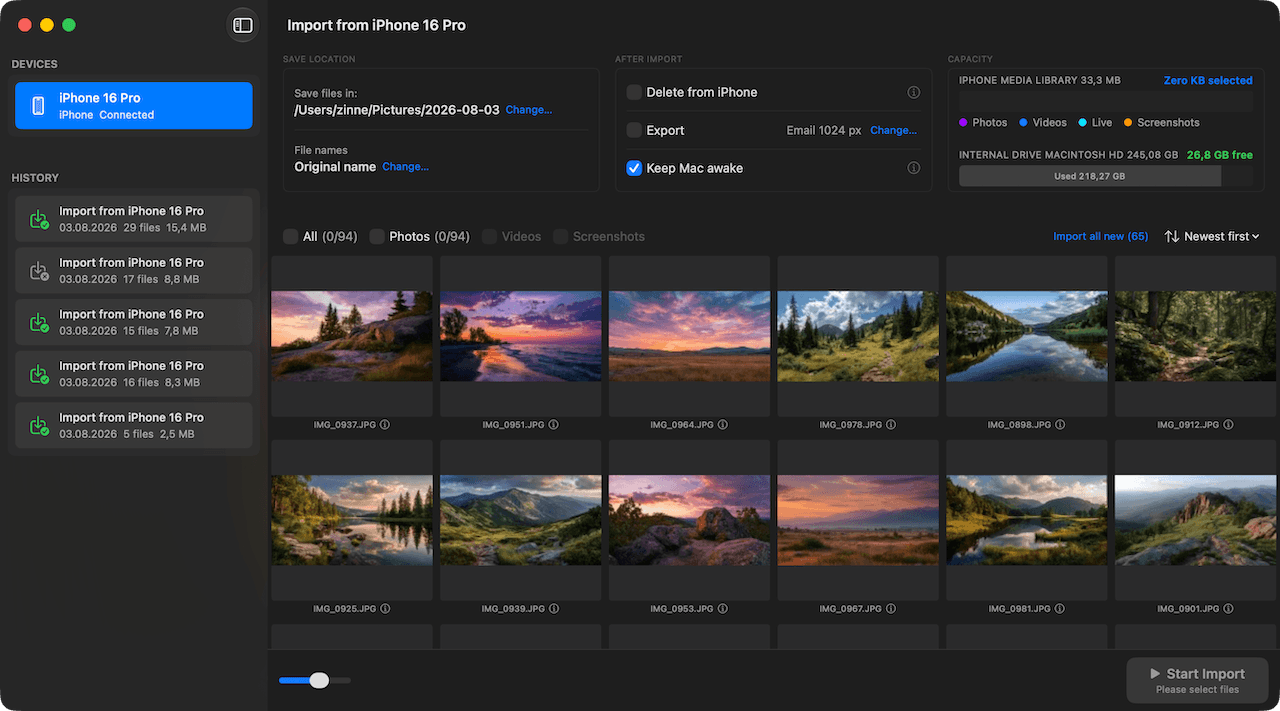
The new interface: tidier and quicker to work with
Version 1.2 brings a reworked interface with a clearer structure, a better overview of large libraries and fewer clicks to the import.
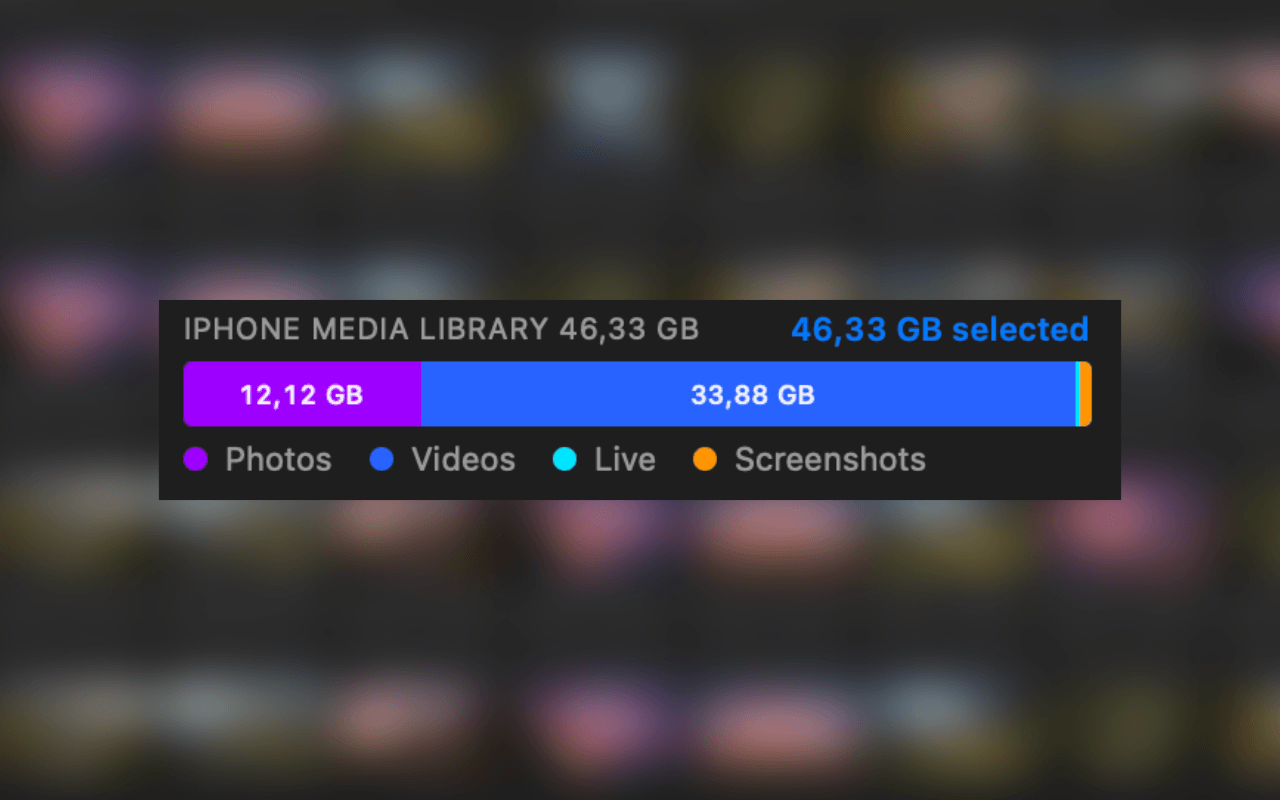
iPhone storage full: back up your photos and delete them safely
Why storage is almost always about photos and videos, and how to free it up without losing a single shot.
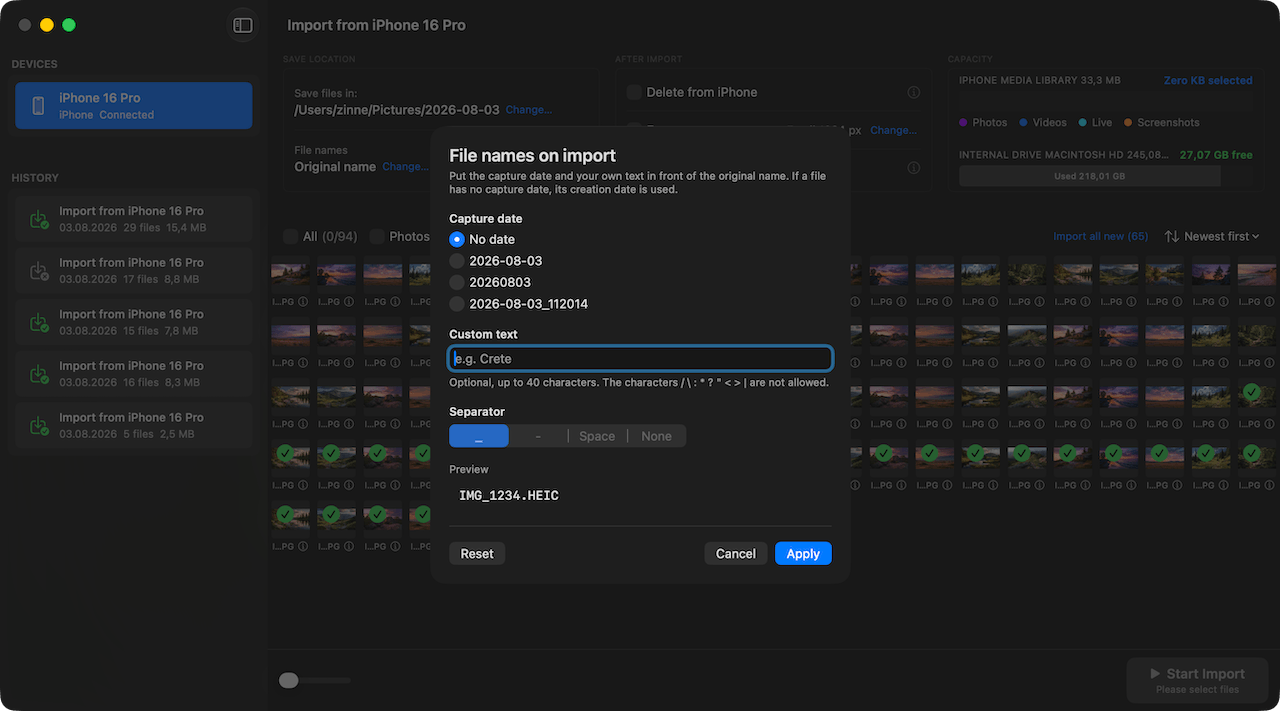
Rename photos automatically: file names you can find again
With flexible templates, Photo RollOff renames your shots as they are imported, for example by capture date and original name.
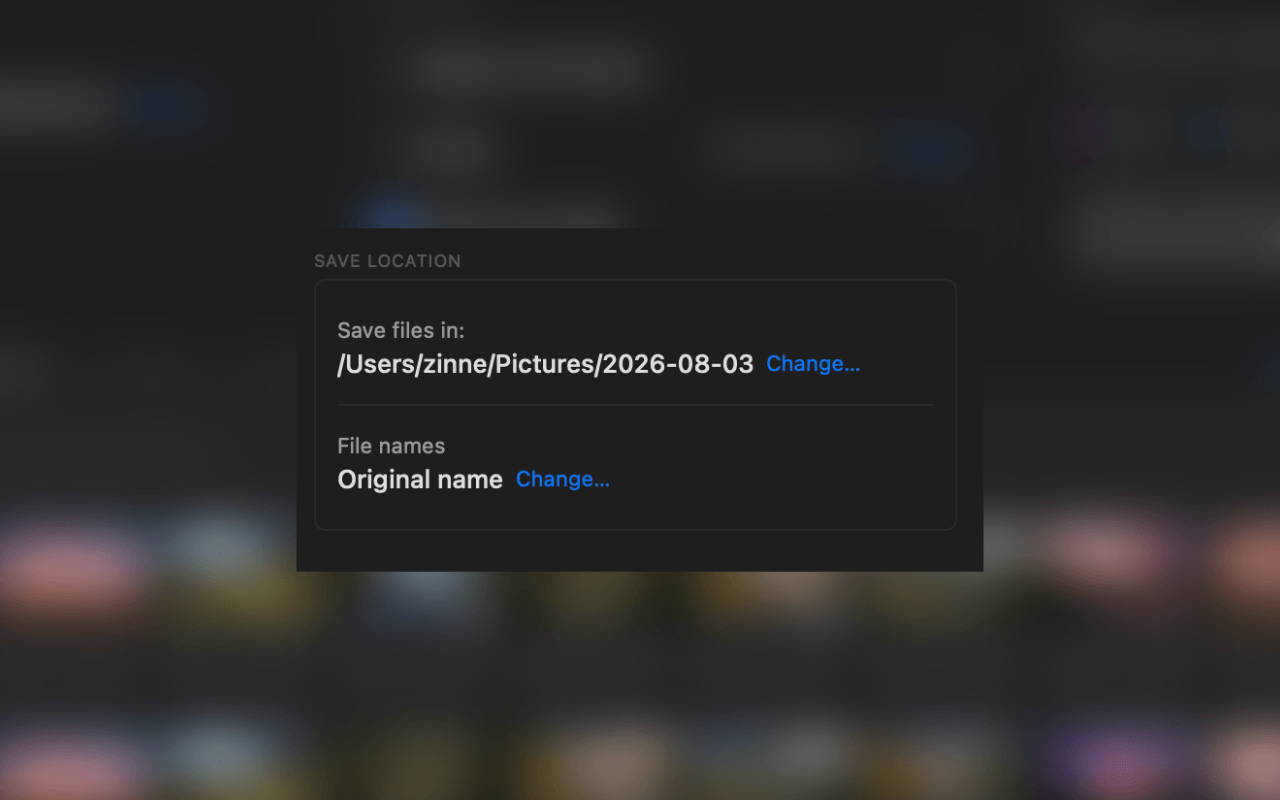
Back up iPhone photos straight to an external SSD or a NAS
How to transfer shots from your iPhone directly to an external drive or a network volume, with no detour through the photo library.
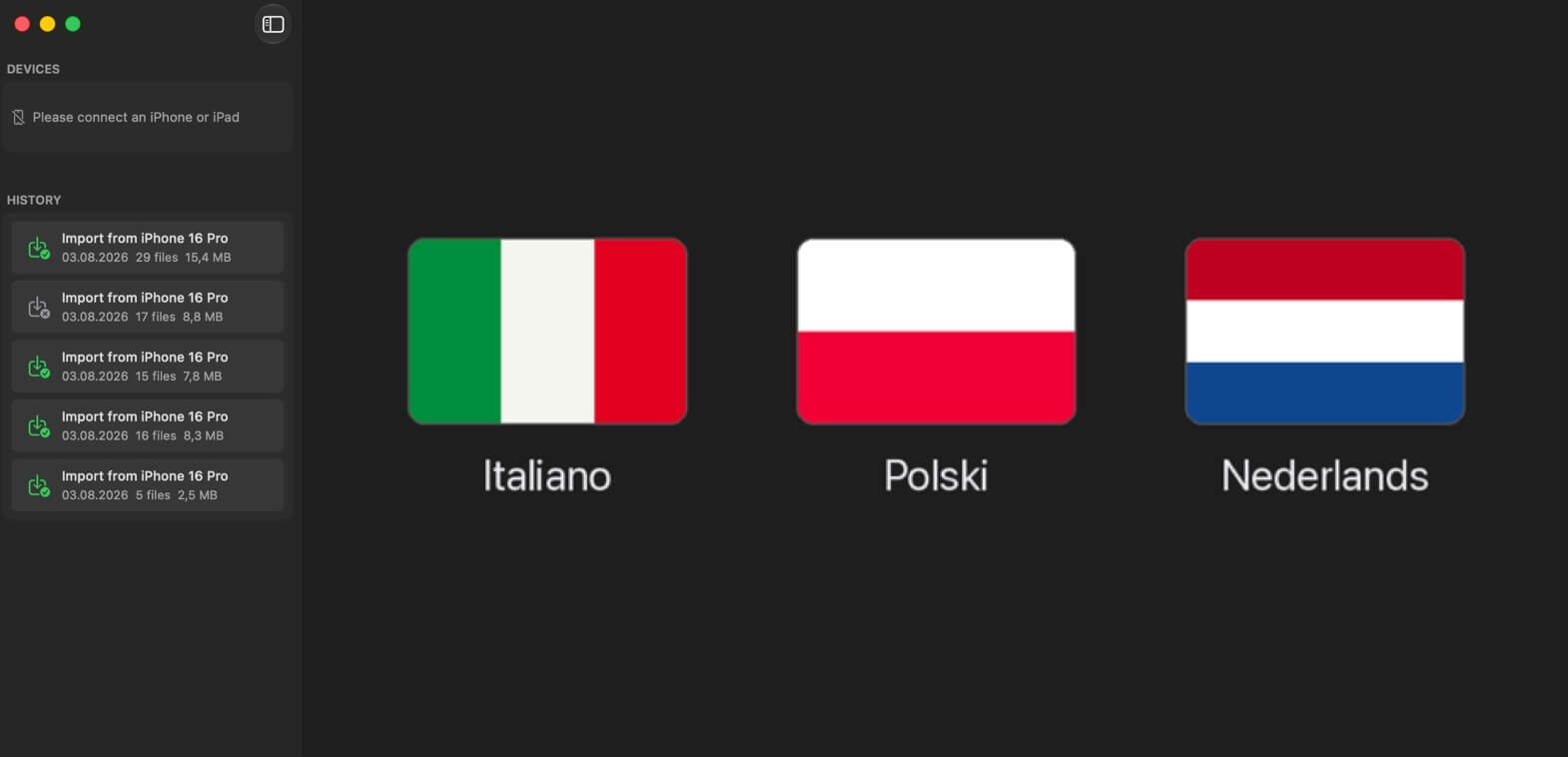
Photo RollOff now speaks Italian, Polish and Dutch
Version 1.2 adds three new languages. Photo RollOff is now fully translated into eight languages.
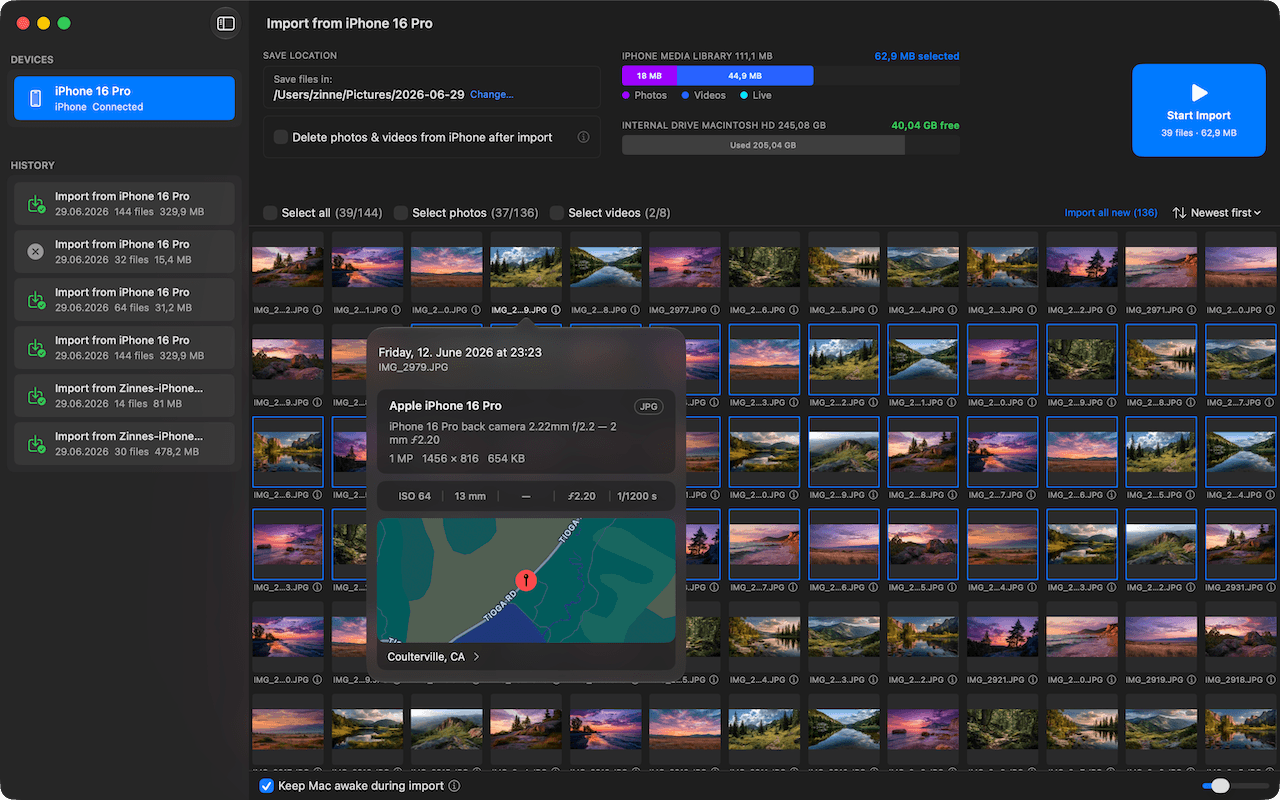
Why Photo RollOff – and why now
How Photo RollOff gives you back your iPhone storage without forcing you into iCloud or a closed photo library.