Pay once, keep forever.
No subscription. No cloud upload. No account.
Reader comments on iPhone-Ticker.de
Brilliant piece of software
Cool stuff. […] Keeping the screenshots separate is definitely an advantage.
Awesome thing
From a full iPhone to clean storage in four steps.
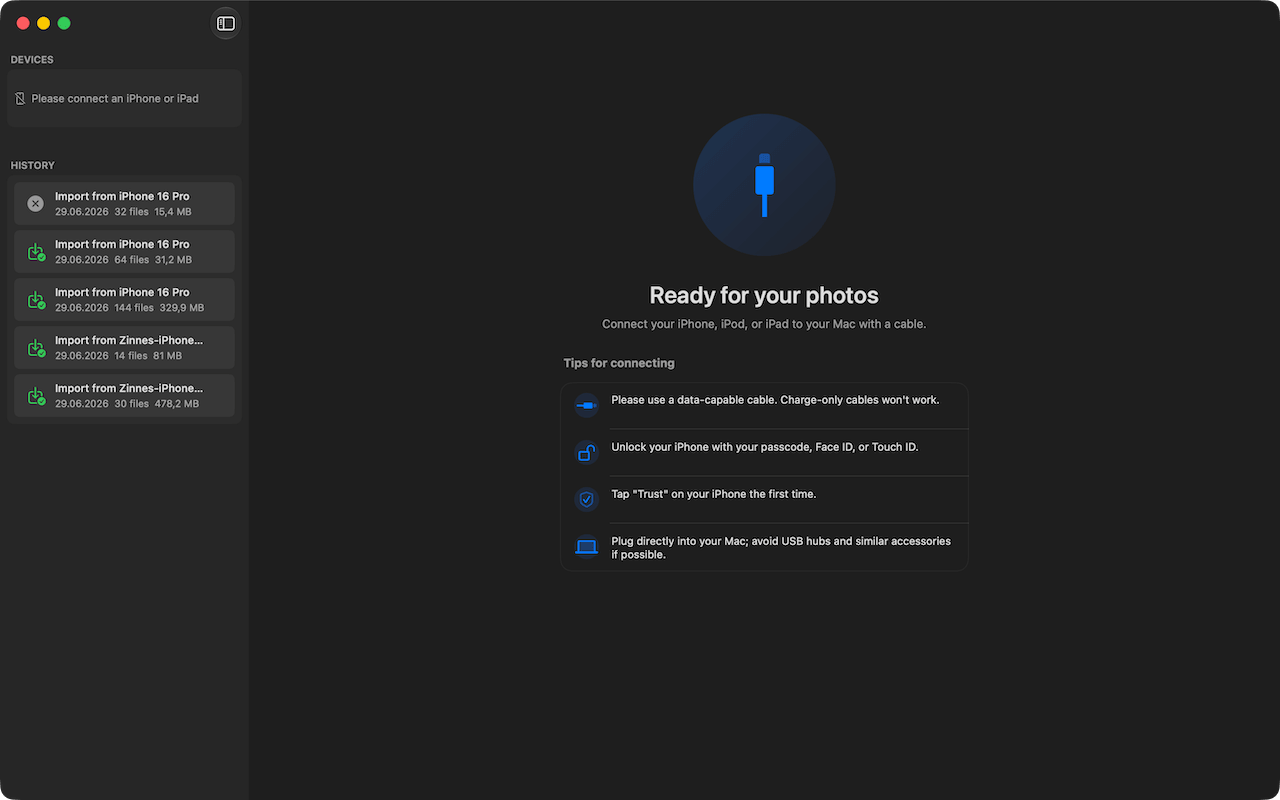
Plug your iPhone into the Mac via USB. Photo RollOff detects the device automatically.
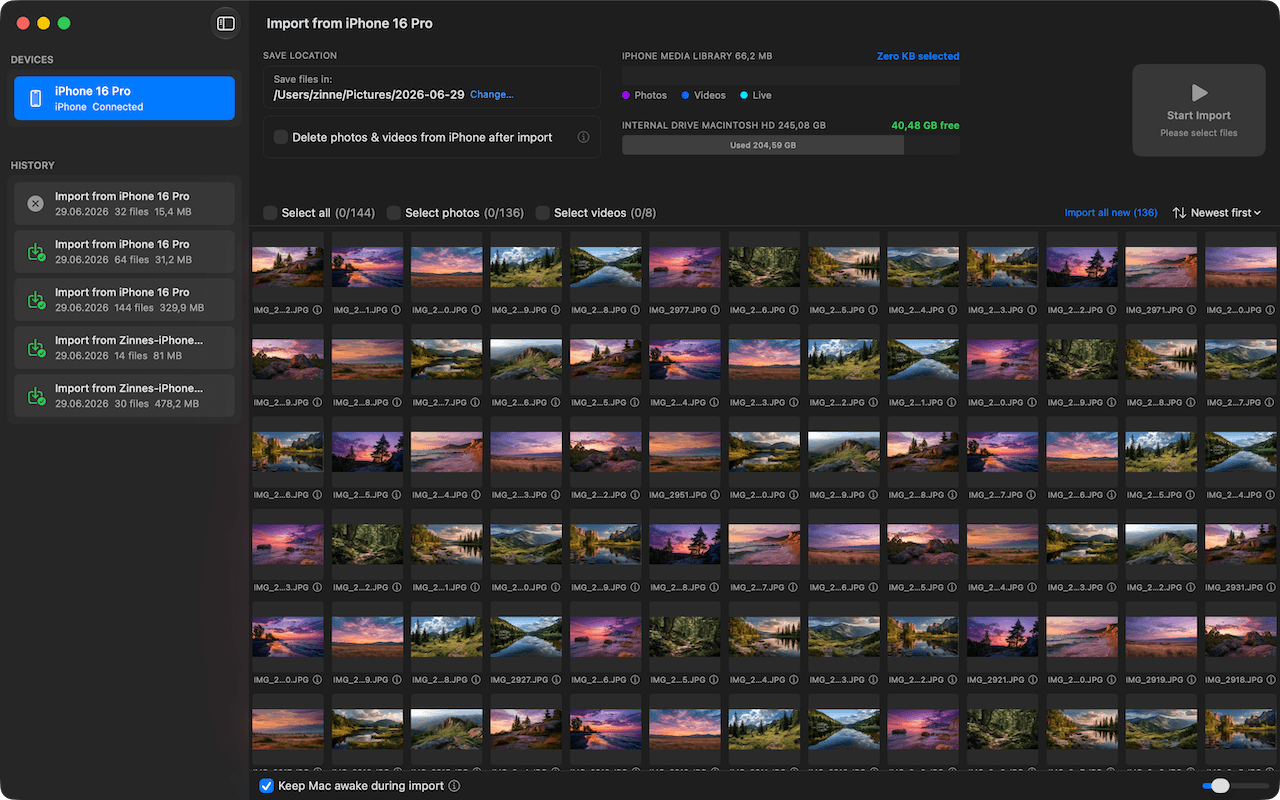
Internal drive, external SSD, or NAS – you choose where the originals go.
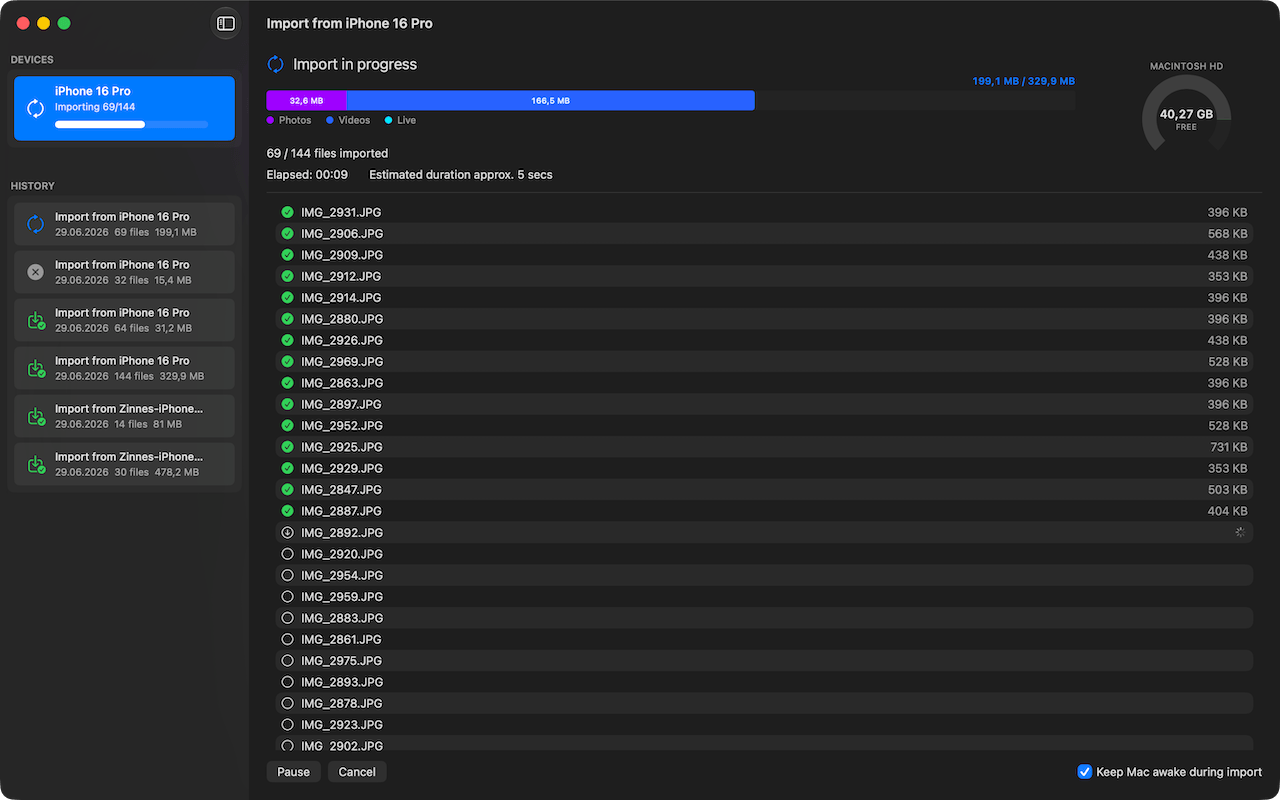
Photo RollOff transfers every file in its original form. With live indicator and statistics.
Optional: after a verified transfer, the imported files are deleted from the iPhone – only after verification.
No subscription. No cloud upload. No account.
Photo RollOff brings your iPhone photos and videos to your Mac as real files and gives you your storage back.

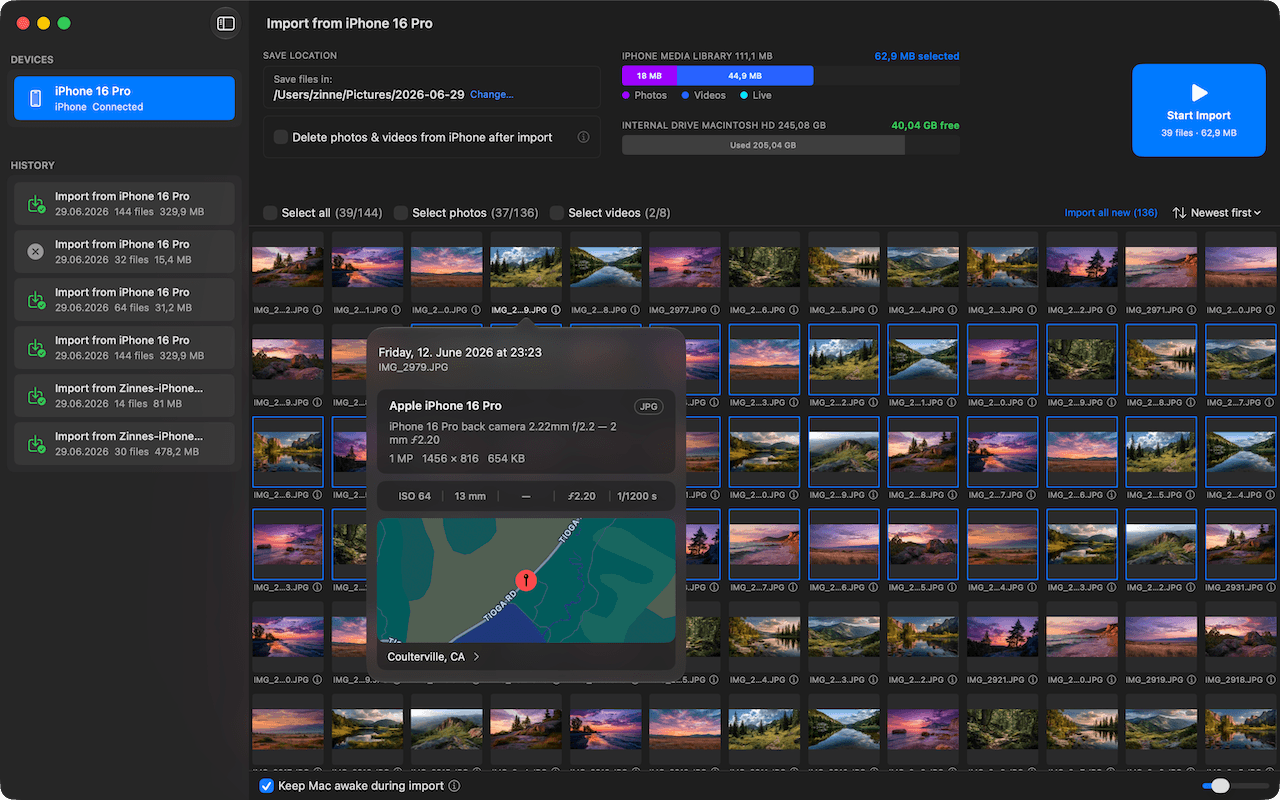
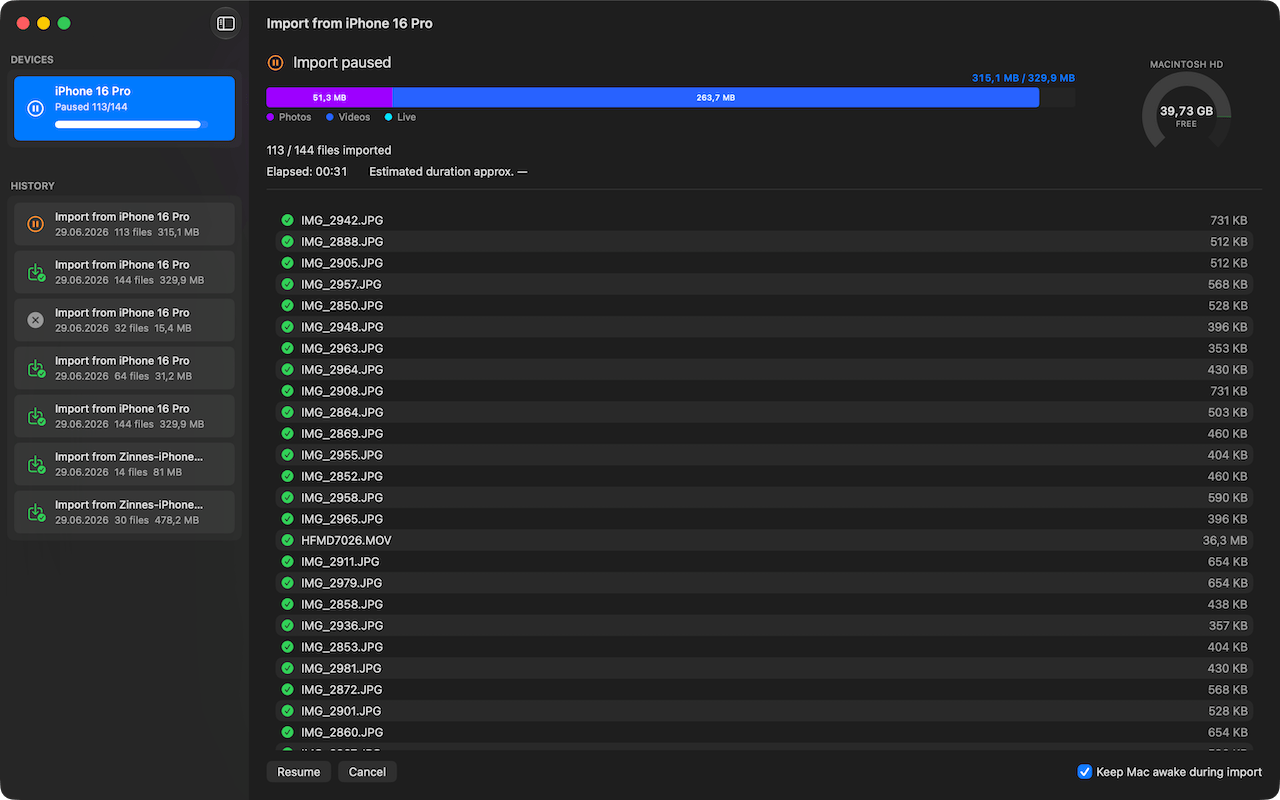
During the import you see in real time how much space is left on iPhone and target drive, broken down by file type.

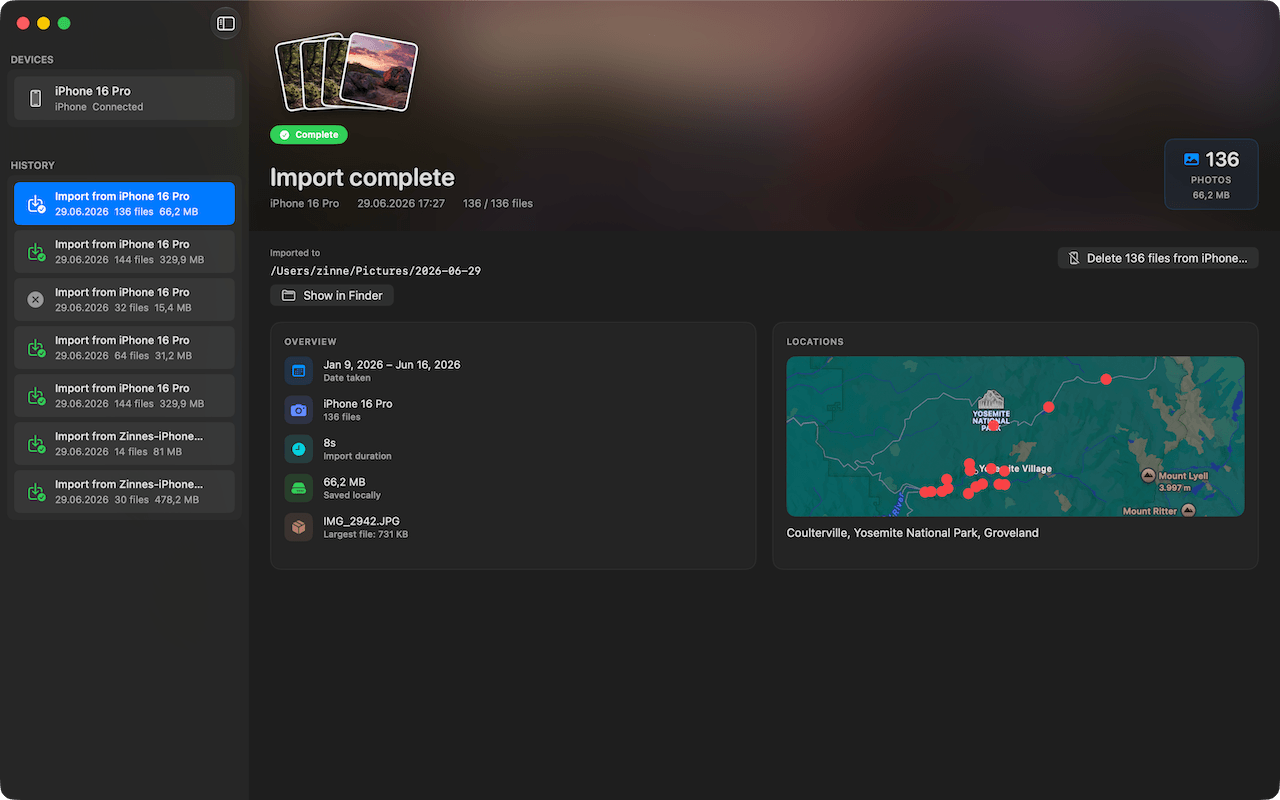
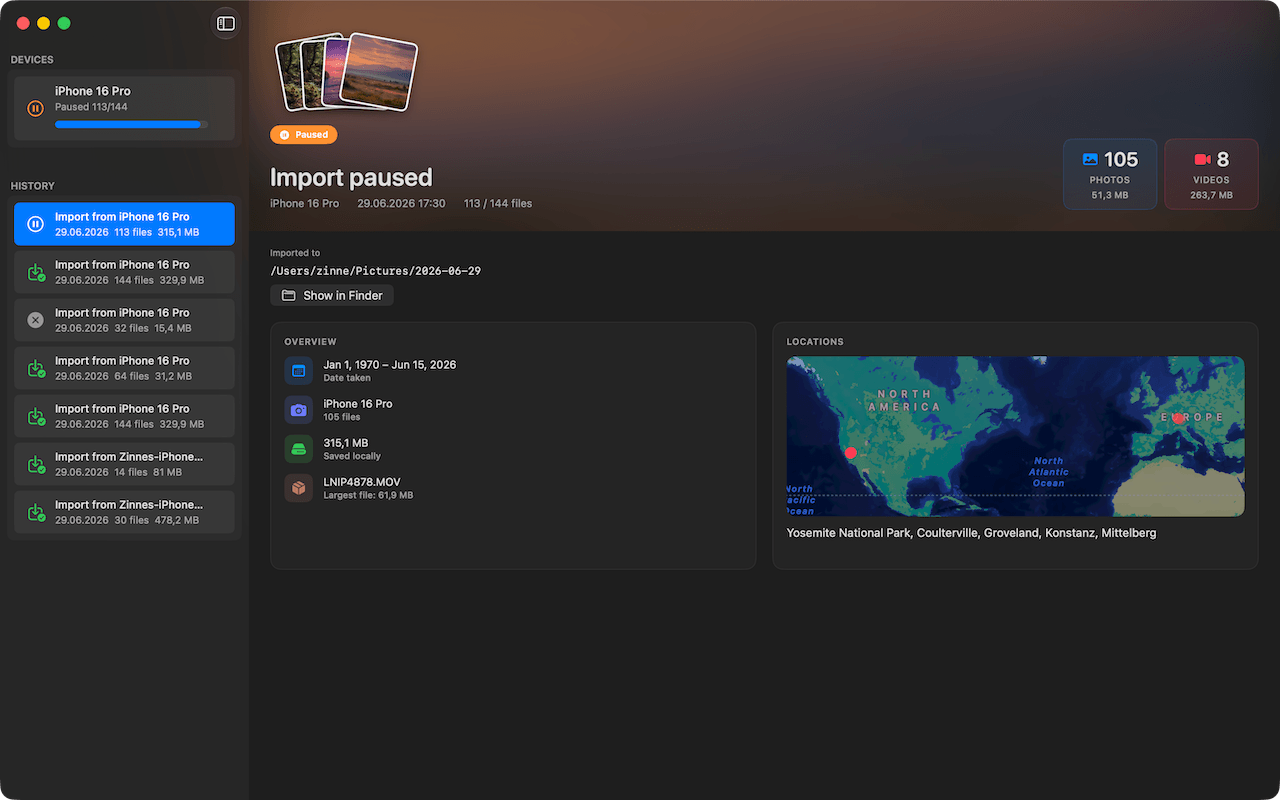
Every session is logged in detail in the archive: counts, file sizes, capture locations on a map. Full overview, even over past imports.

Originals on your disk, in a folder of your choice. Open them with any app, back them up to any drive, organize them however you like.

Cleanup with a safety net: only files that have safely arrived on the Mac can be deleted from the iPhone. Manually confirmed or automatic.

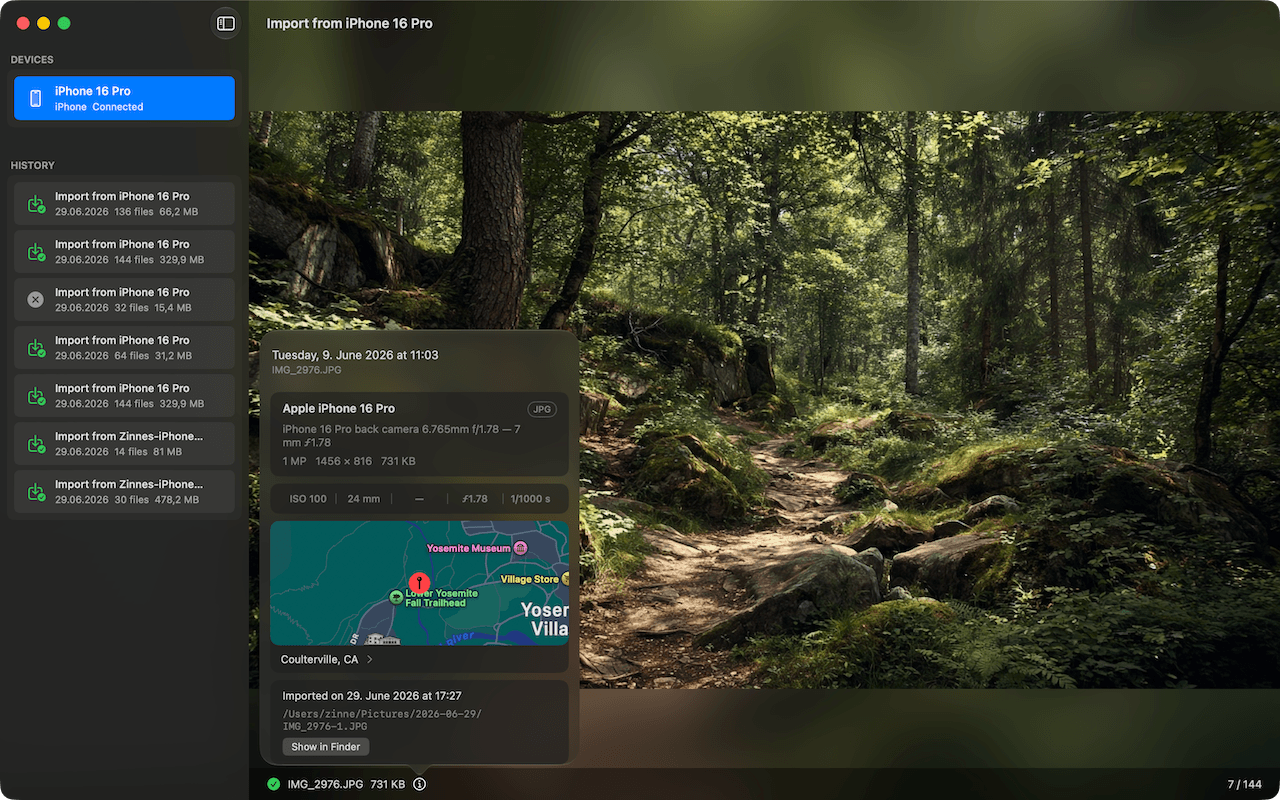
Photos and videos can be viewed right in the app, before you decide what to import.

Screenshots and screen recordings are categorized separately and never mix with your regular photos, in the statistics either.

Capture location, original capture time, camera model and all other technical data are carried over fully.

iPhones, iPads and iPods are detected in parallel. Each device gets its own entry in the sidebar.

Optionally, Photo RollOff sorts every file automatically into a folder per capture day, with a clean structure from the very first import.

Imports can be paused at any time and continued later. You stay in control of long transfers.

During the import Photo RollOff blocks sleep mode. No more aborted sessions because the Mac dozed off.

Photo RollOff works entirely on your Mac. No cloud upload, no library, no account. Your photos never leave your machine.
Get Photo RollOff on the App Store and give your iPhone its storage back.
Requires macOS 14.0 (Sonoma) or later